Agency Mode — Overview
Table of Contents
What Is Agency Mode
Agency Mode (available on the Agency plan) lets you manage multiple client accounts from a single dashboard without sharing passwords or switching accounts.
Features
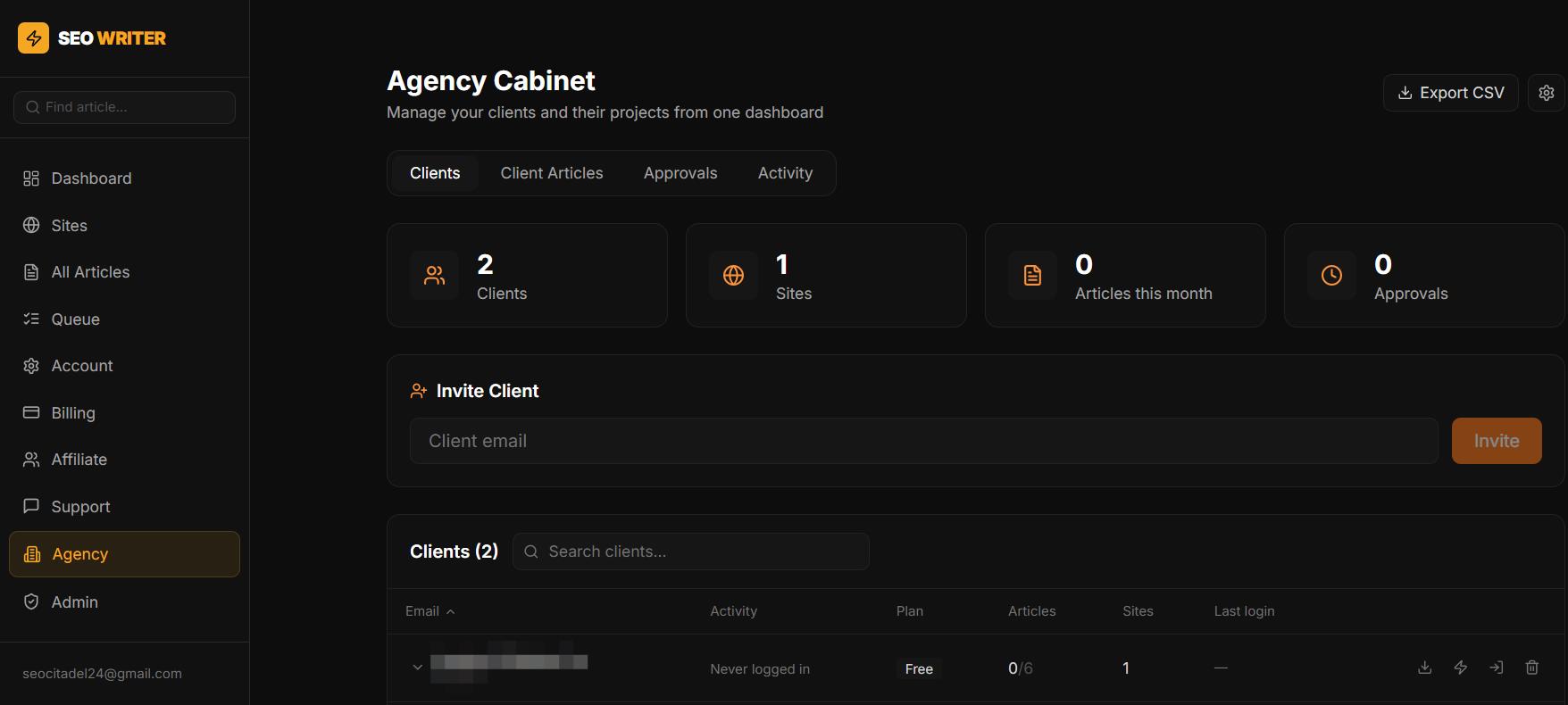
Client management — add clients by email, set article quotas per client
Login as client — switch into any client's account with one click
Article approval — review articles before they publish to client sites
Access restrictions — hide Billing and/or API Keys sections from client view
Per-client quota — limit how many of your shared articles each client can use
Team — add managers with access to the agency cabinet
Activity log — full audit trail of all agency actions
Agency Cabinet Tabs
In the Agency section in the sidebar:
Clients — client list with stats and quick actions
Articles — all client articles, filterable by client
Approvals — articles waiting for your review
Team — your managers with cabinet access
Settings — agency name, notification preferences
Activity — audit log of all agency actions
Billing
Agency plan: 150 articles/month shared across all clients, up to 20 sites total. Longread costs 6 article credits.
Was this article helpful?