Agency Managers
Table of Contents
What Is a Manager
A manager is a staff member you give access to the agency cabinet. A manager can:
View the client list and their articles
Approve or reject client articles (Approvals tab)
Log in as clients
A manager cannot see agency billing, invite new clients, or invite other managers — only the agency owner can do these things.
Inviting a Manager
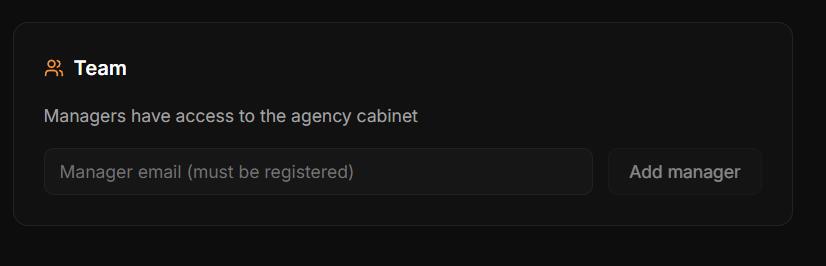
Go to Agency → Settings
Scroll to the Team section
Enter the staff member's email and click Invite
If the staff member already has an AI SEO Writer account, they get access immediately. If not, they receive an invitation email to register.
Manager Access
After accepting the invitation, the manager sees an Agency section in their account with tabs: Clients, Articles, Approvals. Agency billing is not accessible.
Removing a Manager
In Agency → Settings → Team, click the remove icon next to the manager's name. Their account remains intact, but agency cabinet access is revoked immediately.
Was this article helpful?