Gemini API — getting and setting up
📅 September 16, 2026⏱ 1 min read
Table of Contents
Getting a Gemini API Key
Step 1: Open Google AI Studio
Go to aistudio.google.com and sign in with your Google account.
Step 2: Create a Key
Click Get API key in the left menu → Create API key. Select an existing Google Cloud project or create a new one.
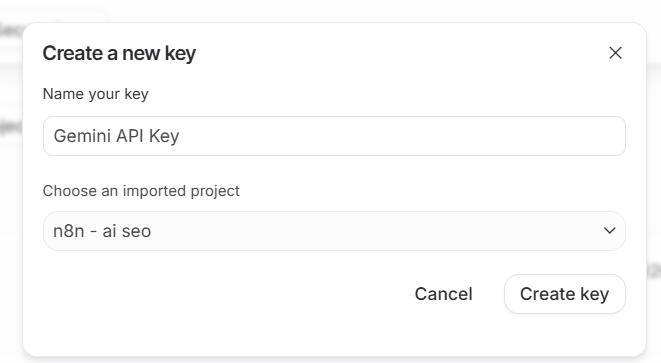
Step 3: Copy the Key
The key looks like AIzaSy.... Copy it for the next step.
Adding to AI SEO Writer
Go to Account → My API Keys
Find the Gemini API row and click Add
Paste the key and click Save

Free Tier
Gemini provides a free tier with limited request quotas. For active use (10–15+ articles/day) we recommend adding billing in Google AI Studio — one article typically costs less than $0.10.
Without a Personal Key
The system Gemini key is used as a fallback. It works on all plans but shares a request pool with all users. For consistent generation speed, use your own key (available on Starter and above).
In this section
Was this article helpful?