YouTube Data API — Setup Guide
📅 September 16, 2026⏱ 1 min read
Table of Contents
What It Does
The YouTube Data API lets AI SEO Writer search YouTube and embed relevant videos in articles. Without a key, the video embedding step is skipped.
Creating an API Key
Go to Google Cloud Console
Create or select a project
Go to APIs & Services → Library, find YouTube Data API v3, click Enable
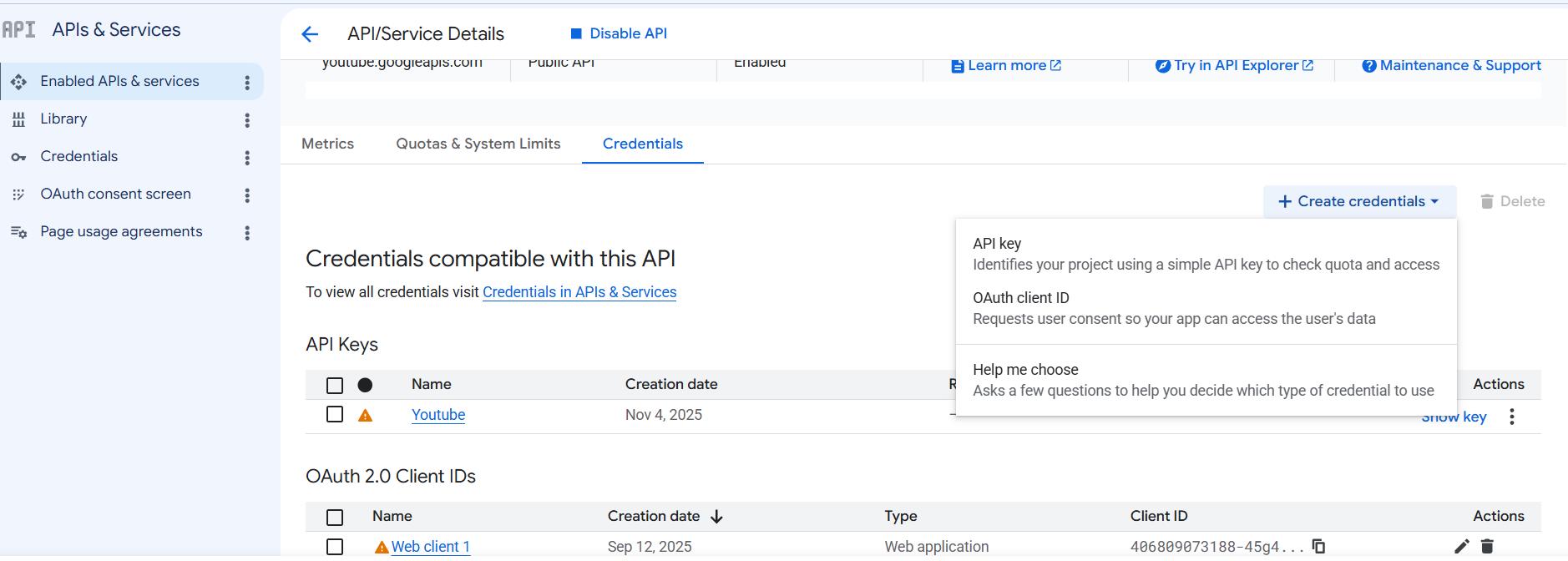
Go to Credentials → Create Credentials → API key and copy the key
Adding to AI SEO Writer
YouTube Data API is a site-level key — add it per site, not in your account settings:
Go to Sites → [Your site] → Settings → Additional APIs
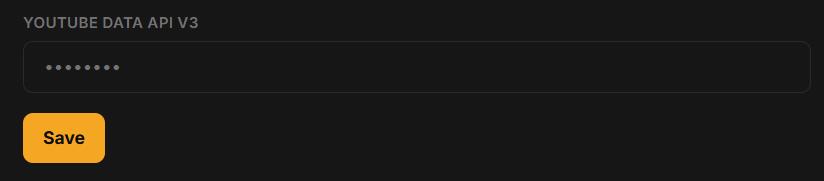
Enter the key in the YouTube Data API v3 field and save
Free Quota
10,000 units/day for free. One video search ≈ 100 units → 100 article videos per day at no charge.
In this section
Was this article helpful?