Password Recovery
Table of Contents
Resetting Your Password
Go to the login page at ai-seowriter.ru/login
Click the Forgot password? link below the login form
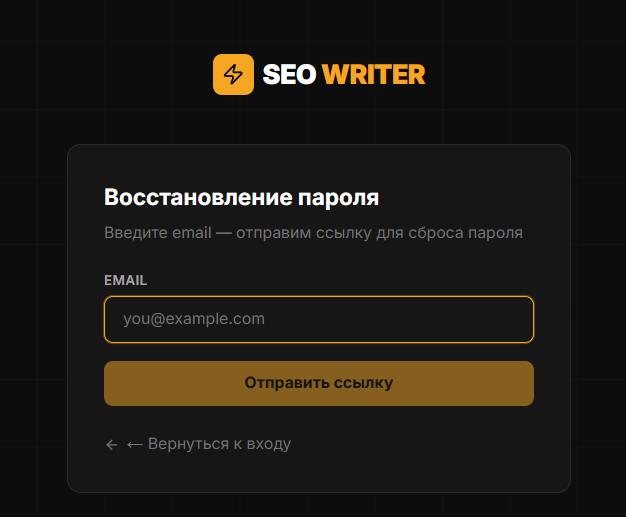
Enter your account email and click Send instructions
Check your inbox — the email arrives within a few minutes. If you don't see it, check your Spam folder.
Click the link in the email — it is valid for 1 hour
Enter a new password (minimum 8 characters) and click Save
You'll be redirected to the login page automatically
Link Has Expired
The reset link is valid for 1 hour only. If it has expired, request a new one by repeating steps 1–3 above.
Email Didn't Arrive
Check your Spam / Junk Mail folder
Make sure you used the same email you registered with
Wait 2–3 minutes and refresh your inbox
If the email still doesn't arrive, contact Support via the sidebar or at support@ai-seowriter.ru
In this section
Was this article helpful?