Republishing and Status Changes
Table of Contents
When to Republish
The article was saved as a draft and you want to publish it
The CMS connection failed during the first publish attempt
You edited the content and want to push changes to the site
You want to update SEO metadata (title, description) without rewriting content
An agency manager rejected the article — after fixing it you need to resubmit
How to Republish
Go to Sites → [Your site] → Articles
Open the article by clicking its title
Click the Republish button at the top of the page
The system runs a shortened 4-step pipeline — no content regeneration. Takes about 30 seconds.
What Happens During Republish (4 steps)
Load config — reads site settings and API keys
Publish to CMS — current HTML content is sent to WordPress / Bitrix / InSales / Joomla. If the post exists it's updated; if not, a new one is created.
Update SEO meta — your selected title and meta description are applied to the CMS post (via Yoast SEO or RankMath for WordPress)
Update link index — the published post entry is updated in the internal links index
Full regeneration does not run — AI does not rewrite the article text.
Changing Status: Draft ↔ Published
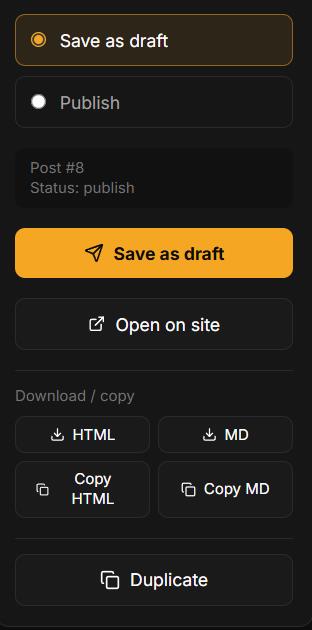
To change article visibility without re-sending content, use the CMS Status toggle on the article page. It changes the post status via your CMS API instantly — no pipeline runs.
[SCREENSHOT: Article page — the CMS Status toggle with Draft and Published options]
Republish vs Full Regeneration
Action | Article text | Time | Credits used |
|---|---|---|---|
Republish | Unchanged | ~30 sec | 0 credits |
New generation | AI rewrites from scratch | 3–5 min | 1 credit (6 for longread) |
FAQ
Will the cover image be updated?
No — the cover is not updated during republish. To update the cover, use the Regenerate cover button on the article page.
What if the post was deleted in WordPress?
Republishing will create a new post in WordPress with a new ID. Any existing inbound links to the old post will break — update them manually or set up redirects in WordPress.
Was this article helpful?